Pealock subscription
The subscription turns Pealock into a remote guard. It alerts you, calls you and shows you where your lock is, wherever you are.
First month free from SIM activation
 Scan with your phone to get the app
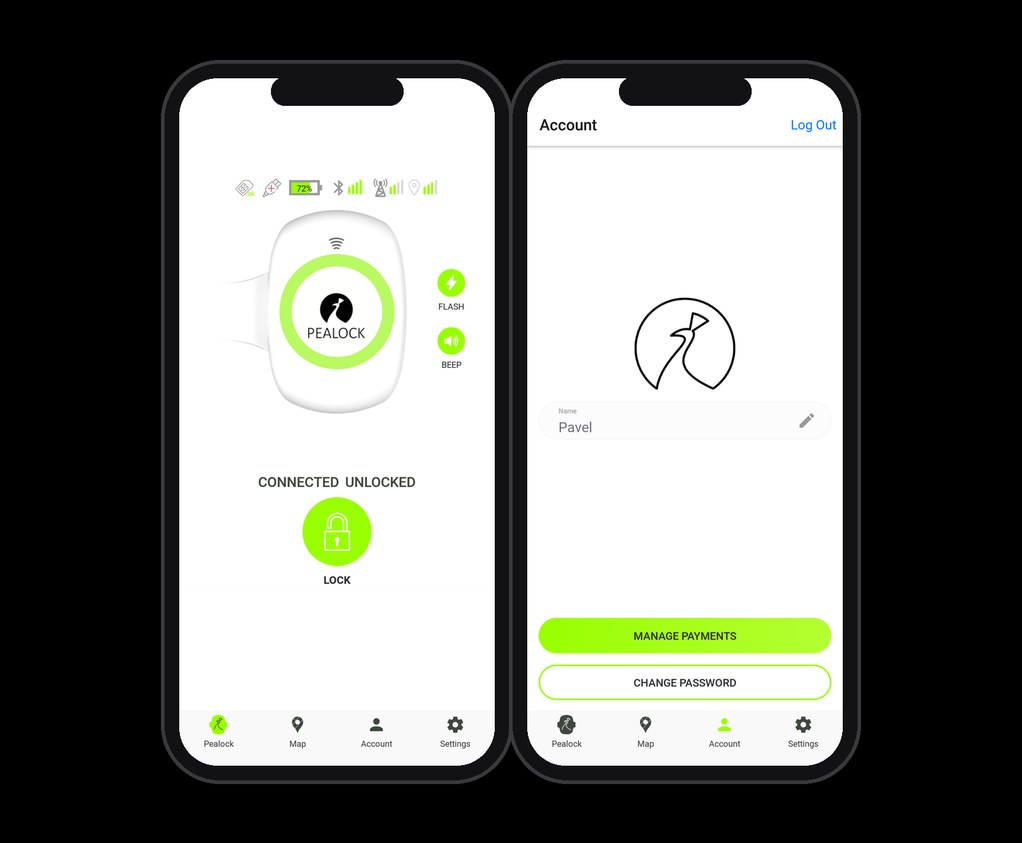
Your lock finds you, wherever you are
Alerts anywhere
If someone touches your lock, you'll know even outside Bluetooth range. Full-screen notifications.
It calls you
When the alarm goes off, the lock dials your number. You won't miss it, even with your phone in your pocket.
Location on a map
GPS shows where the lock is when you lock it and during an alarm. Across the EU and the UK.
| Feature | Without subscription | With subscription |
|---|---|---|
| Alerts outside Bluetooth range | - | ✓ |
| A call to your phone on alarm | - | ✓ |
| GPS location on a map | - | ✓ |
Done in a minute in the app
- Open AccountBottom right in the Pealock app.
- Choose Payment managementAdd a payment card.
- Pay for the yearly subscriptionPayments go through the secure Stripe gateway.
The app reminds you when your free month or subscription is about to end.
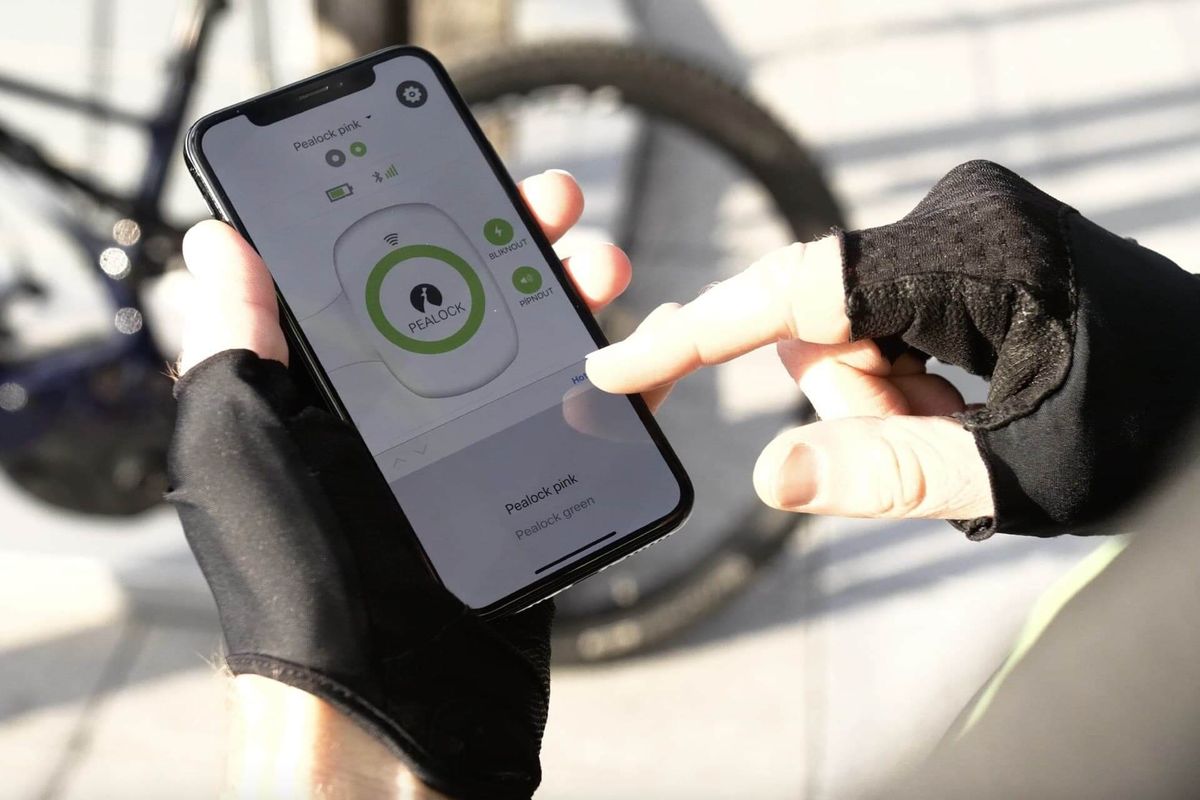
What else you ask
What happens when my subscription ends?
The app reminds you in good time. Without an active subscription, the lock can't alert you remotely, call you when the alarm goes off or show its location on the map. Renew it in the app under Account, Payment management.
Where does the subscription work?
In EU countries and the UK. Abroad, the lock connects to the local network on its own.
Can I use my own SIM card?
No. The SIM card is built in at the factory and adapted to the lock.
How do I see when my subscription ends?
In the app under Account, Payment management.
Need help?
Check the guides or write to us at info@pealock.com.