Guides
Everything you need to use your lock. Step-by-step help, the full manual as a PDF.
First start
- Download the Pealock app from the App Store or Google Play.
- Click the buckle into the lock. The ring starts flashing green. If not, charge the lock for at least 15 minutes.
- Open the app and create an account. GPS and subscription payments need an account.
- Plug the USB-C cable into the lock and tap Done.
- Choose the Pealock device and pair it over Bluetooth.
- Hold the NFC card from the box to the lock. A short beep means it was read.
- Tap Finish and unplug the cable.
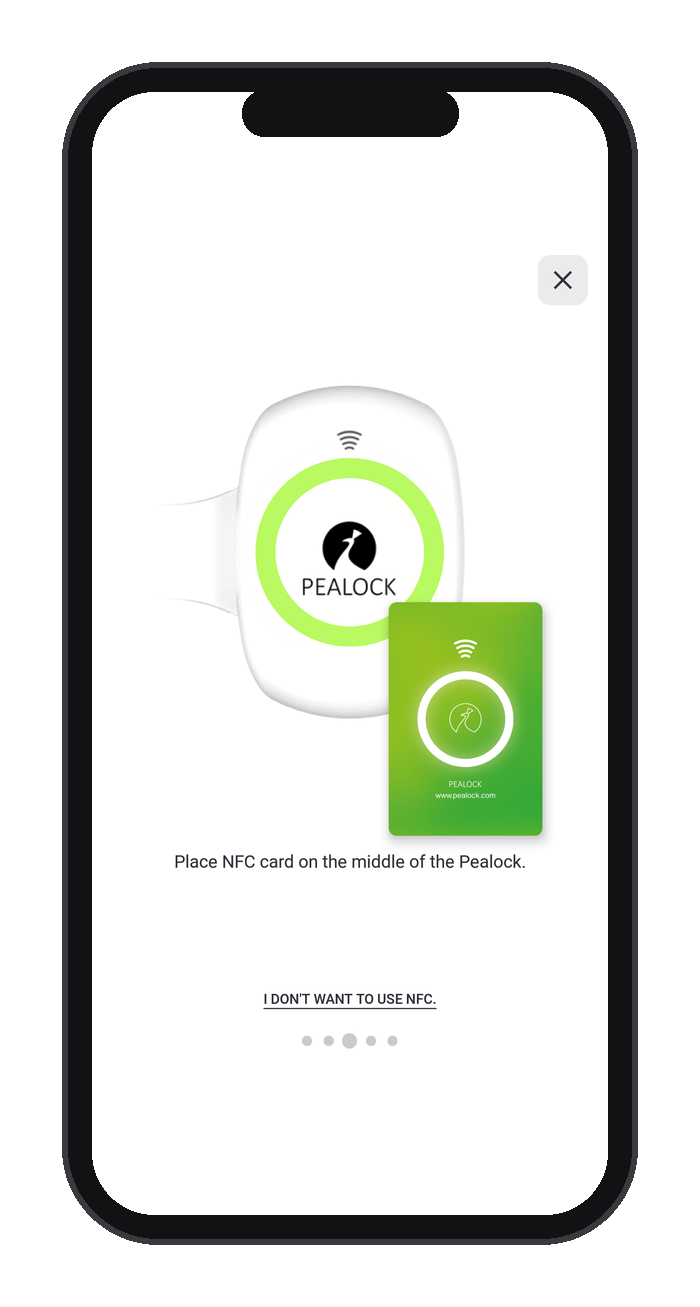
Without a phone: click the buckle in and hold the NFC card to the lock. The first card is saved to the lock's memory.
Locking and unlocking
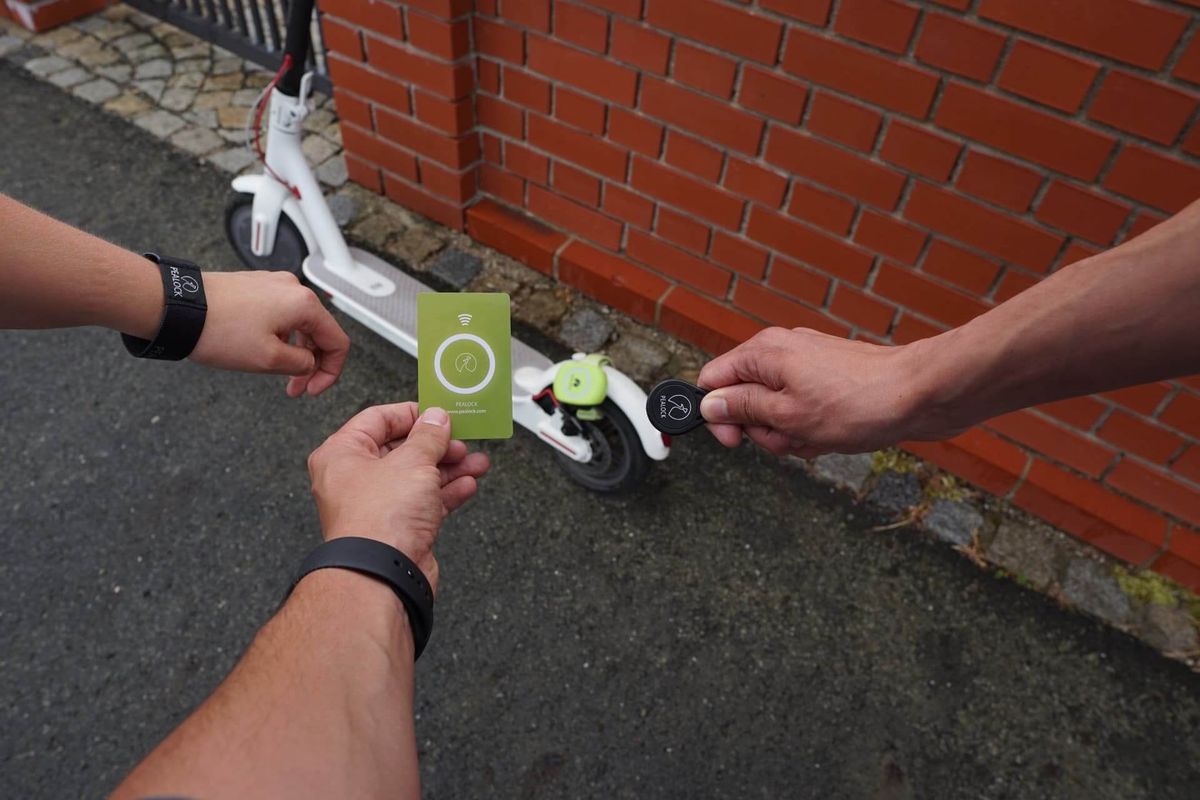
Hold an NFC card, key fob or wristband to the lock, or use the button in the app. We recommend NFC, as your phone can run out of battery. You can pair up to 5 NFC accessories with one lock.
Attaching the lock
The strap is 35 cm long and the buckle adjusts it. Attach the lock upright so water cannot get into the opening under the buckle.
Charging and battery
In a basement or bike room, keep the lock plugged into mains power or a power bank. It then stays locked for as long as you need.
Troubleshooting
The lock looks unlocked but the buckle won't come out
The buckle is pushed out slightly. Push it all the way in, lock, and unlock again.
The lock won't pair
Plug in the USB-C cable. Hold the NFC card to the lock 3 times in a row; it beeps for about 2 seconds. On iPhone, choose Ignore for Pealock in Bluetooth settings. Then pair again in the app.
The app froze
Close the app completely and open it again.
I can't see the lock's location
GPS needs open sky and does not work indoors. The location is taken when you lock and when the alarm goes off.
Need help?
Check the guides or write to us at info@pealock.com.