Pealock carries on. We now look after your lock.
The app, the SIM card and GPS tracking keep working. Pealock services are now run by Czech company Codethica.
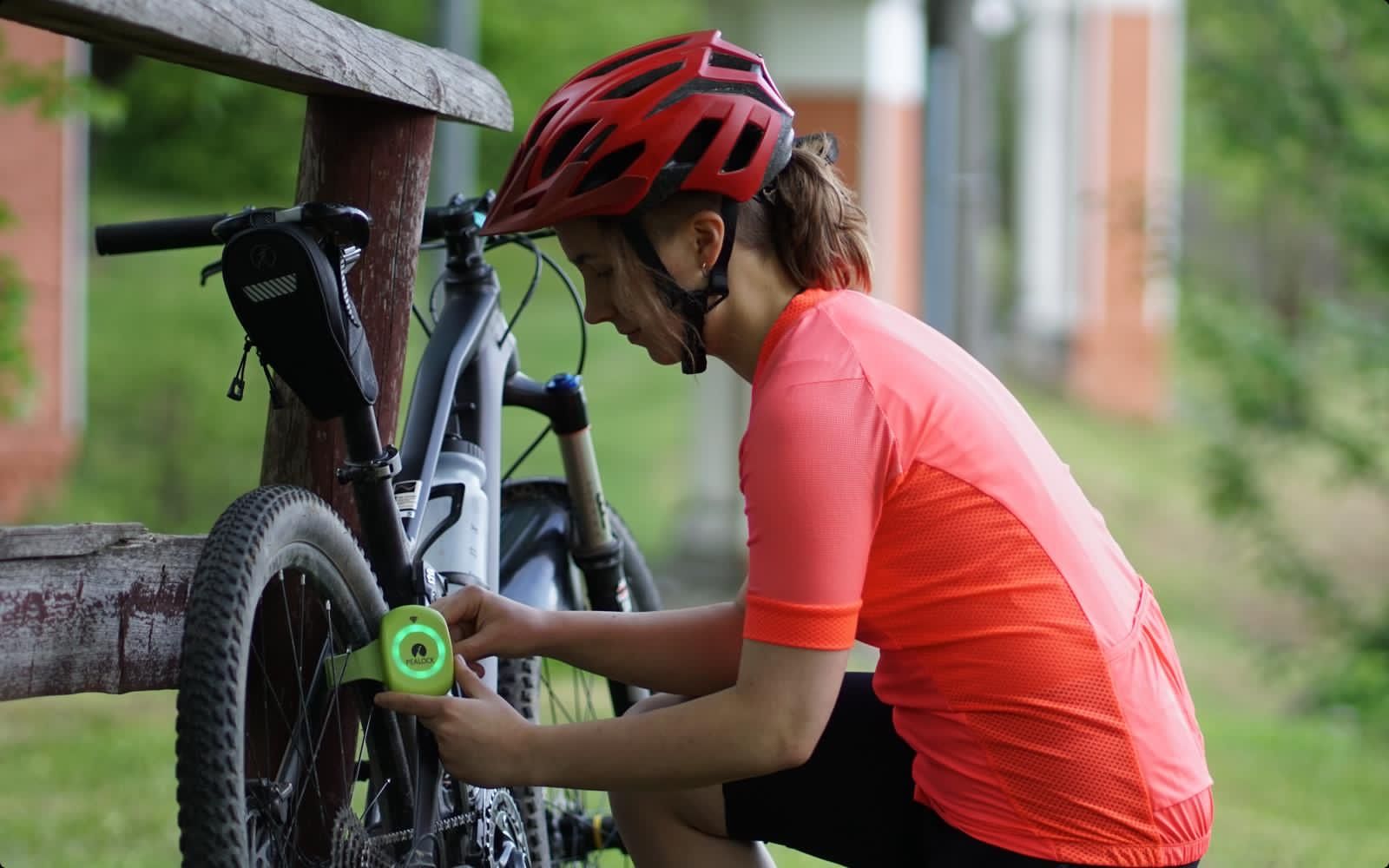
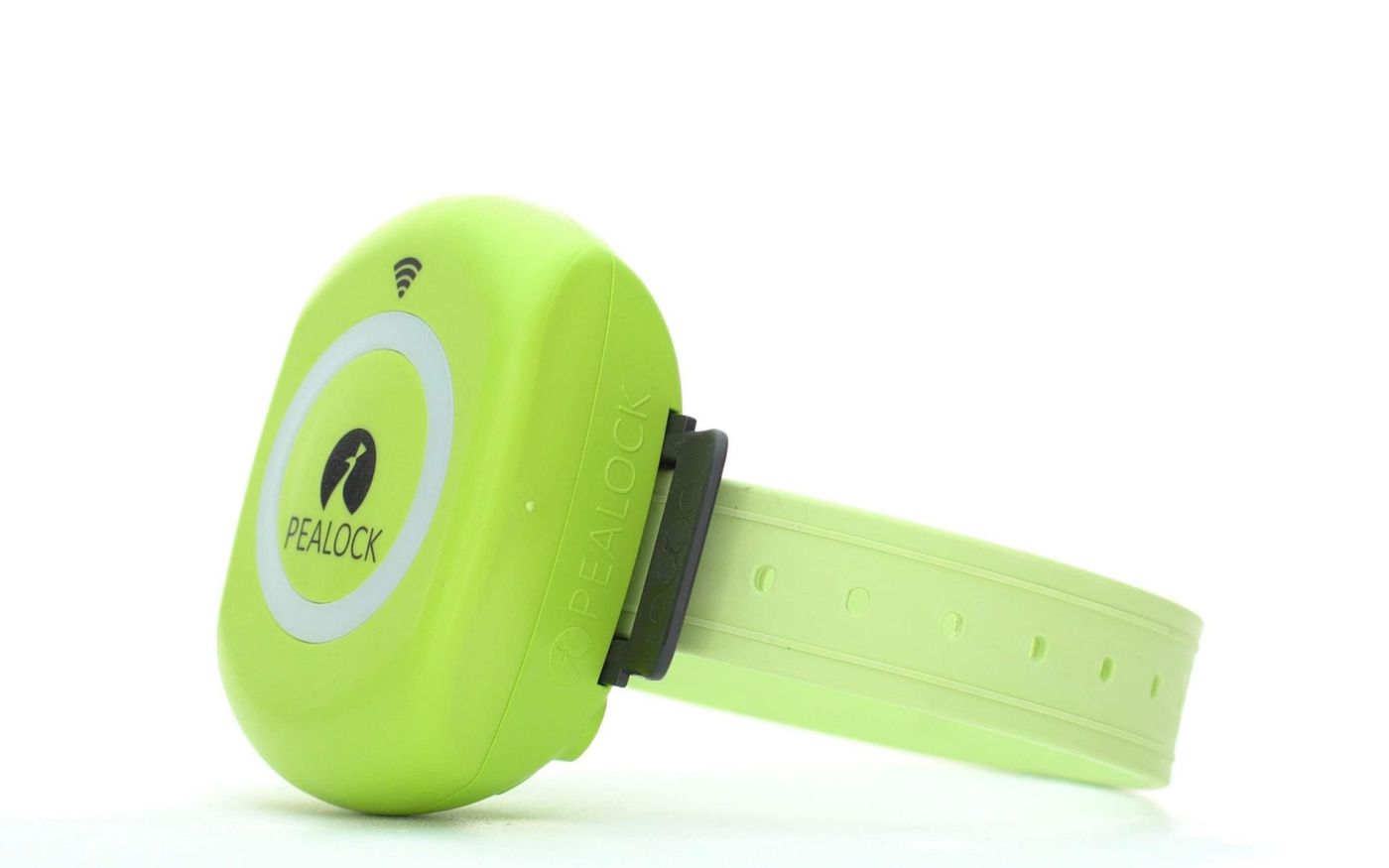
Guards bikes, skis and strollers
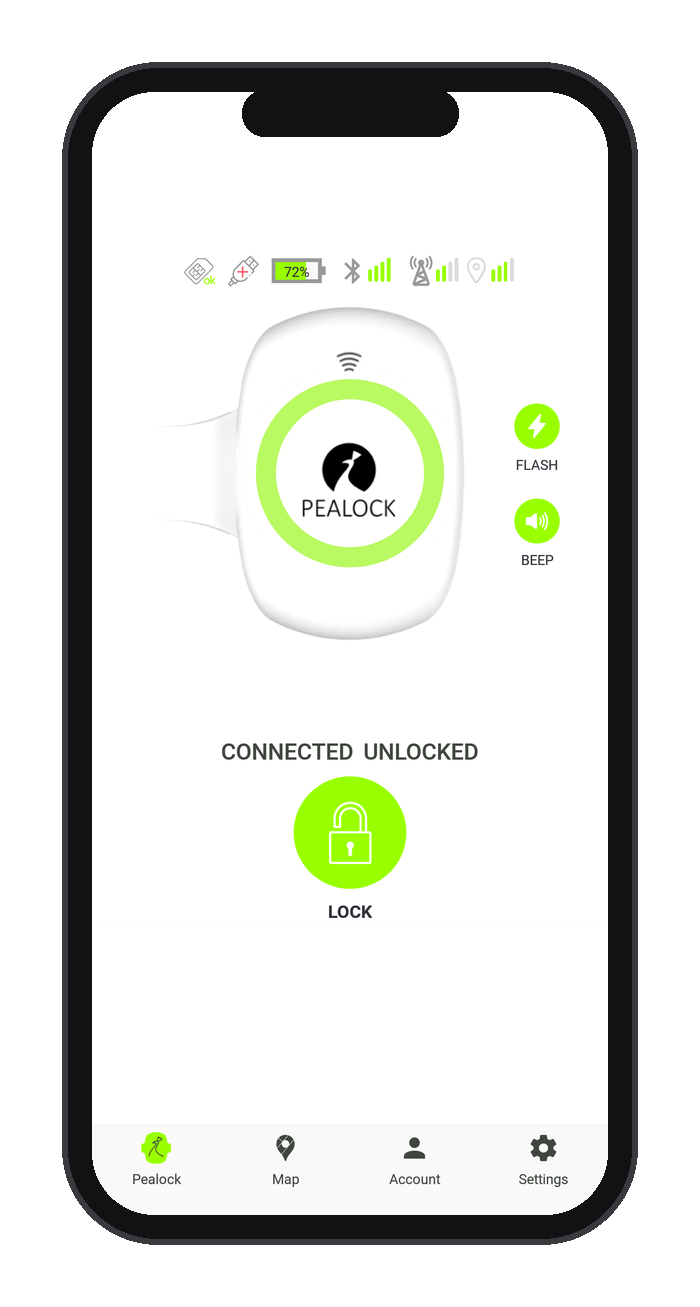
GPS location
See where your lock is on a map, even out of Bluetooth range.
Alarm and call
It sounds the alarm and calls you when someone moves it or cuts the strap.
Tough strap
Steel cables and an alarm wire run inside.
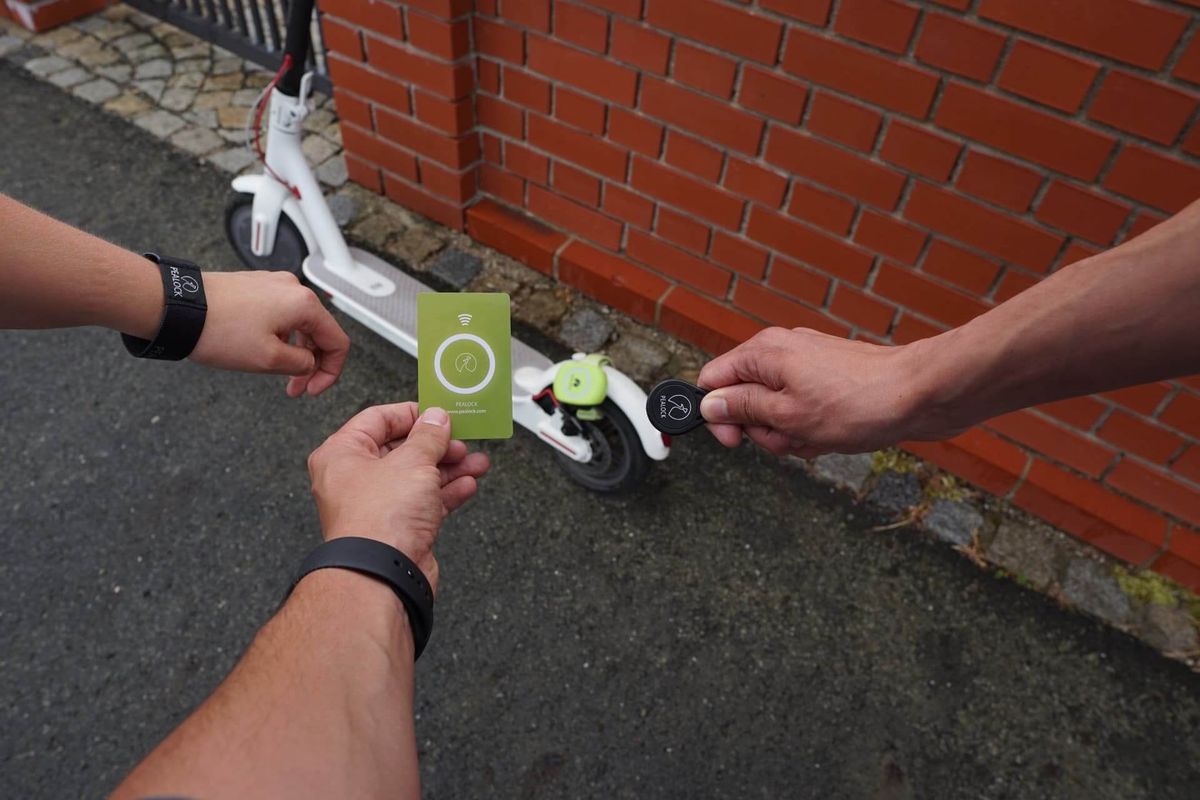
NFC card
Lock with a card, key fob or wristband.
Phone alerts
Full-screen notifications, even when the app is closed.
EU and UK
Abroad, the lock connects to the local network on its own.
Your lock's data plan. The first month is free.
- GPS location on a map
- Alerts outside Bluetooth range
- A call to your phone when the alarm goes off
- Data across the EU and UK
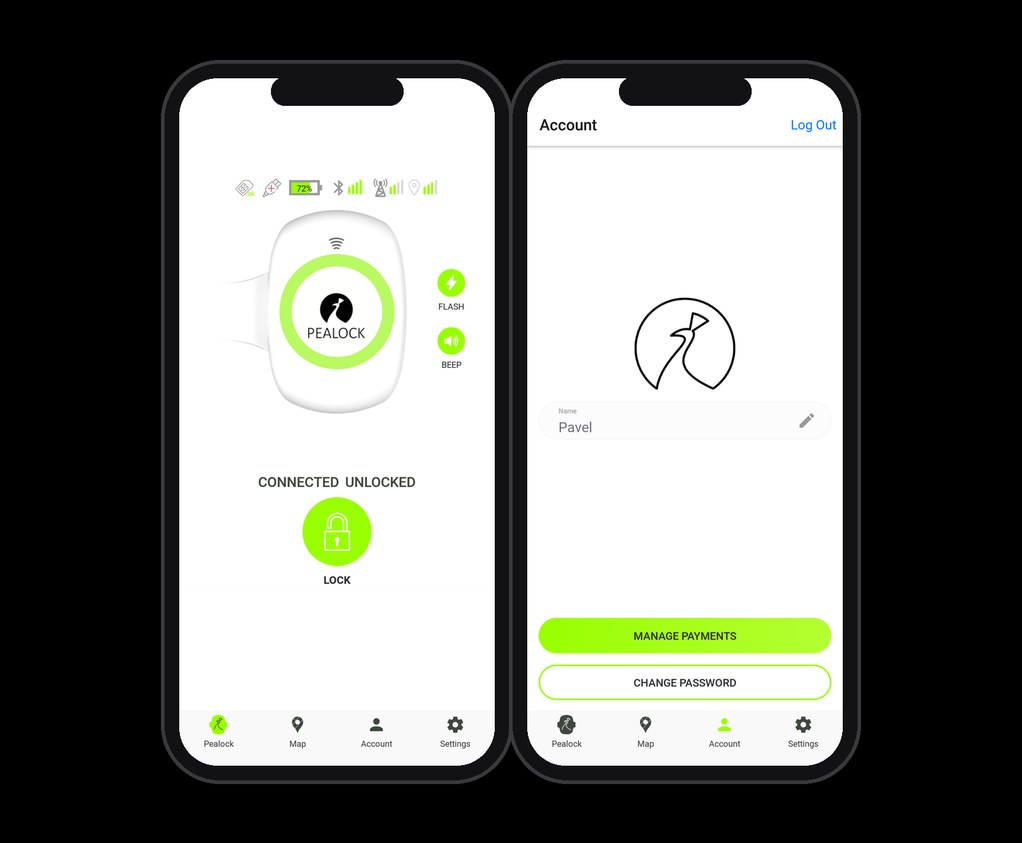
- Open the Pealock app and go to Account.
- Choose Payment management and add a card.
- Pay for the yearly subscription through the secure Stripe gateway.
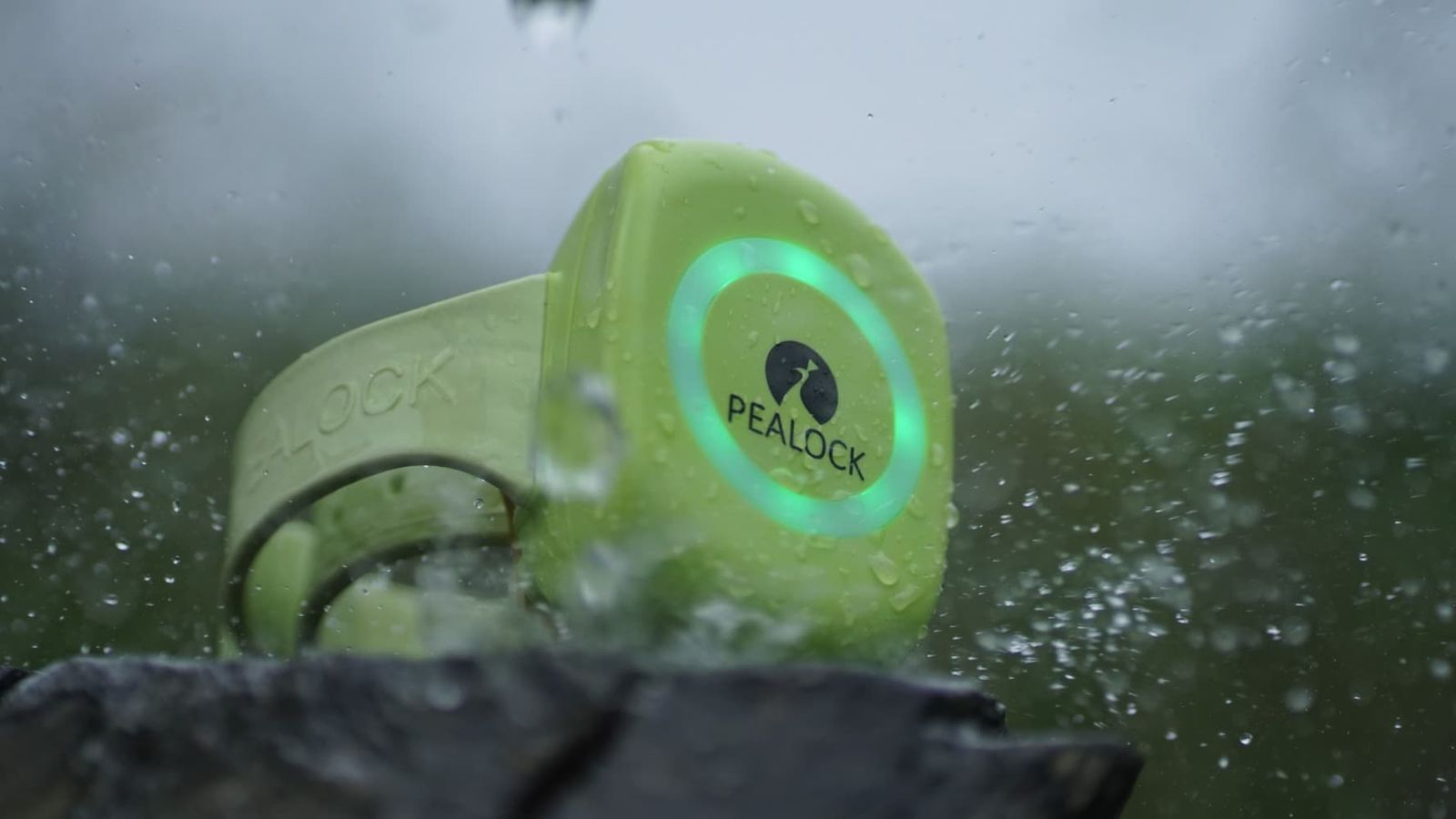
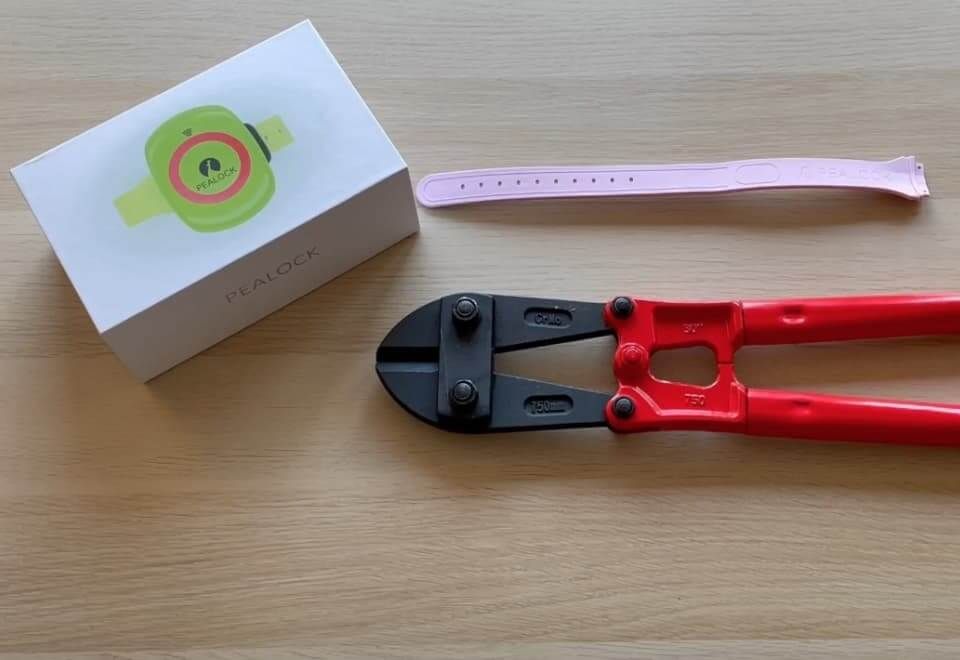
Takes rain, snow and bolt cutters
Get the Pealock app
Free for iPhone and Android. Lock, track your lock, set up the alarm and pay for your subscription.
 Scan with your phone to get the app
You bought a product. We are taking on the commitment to keep it working.
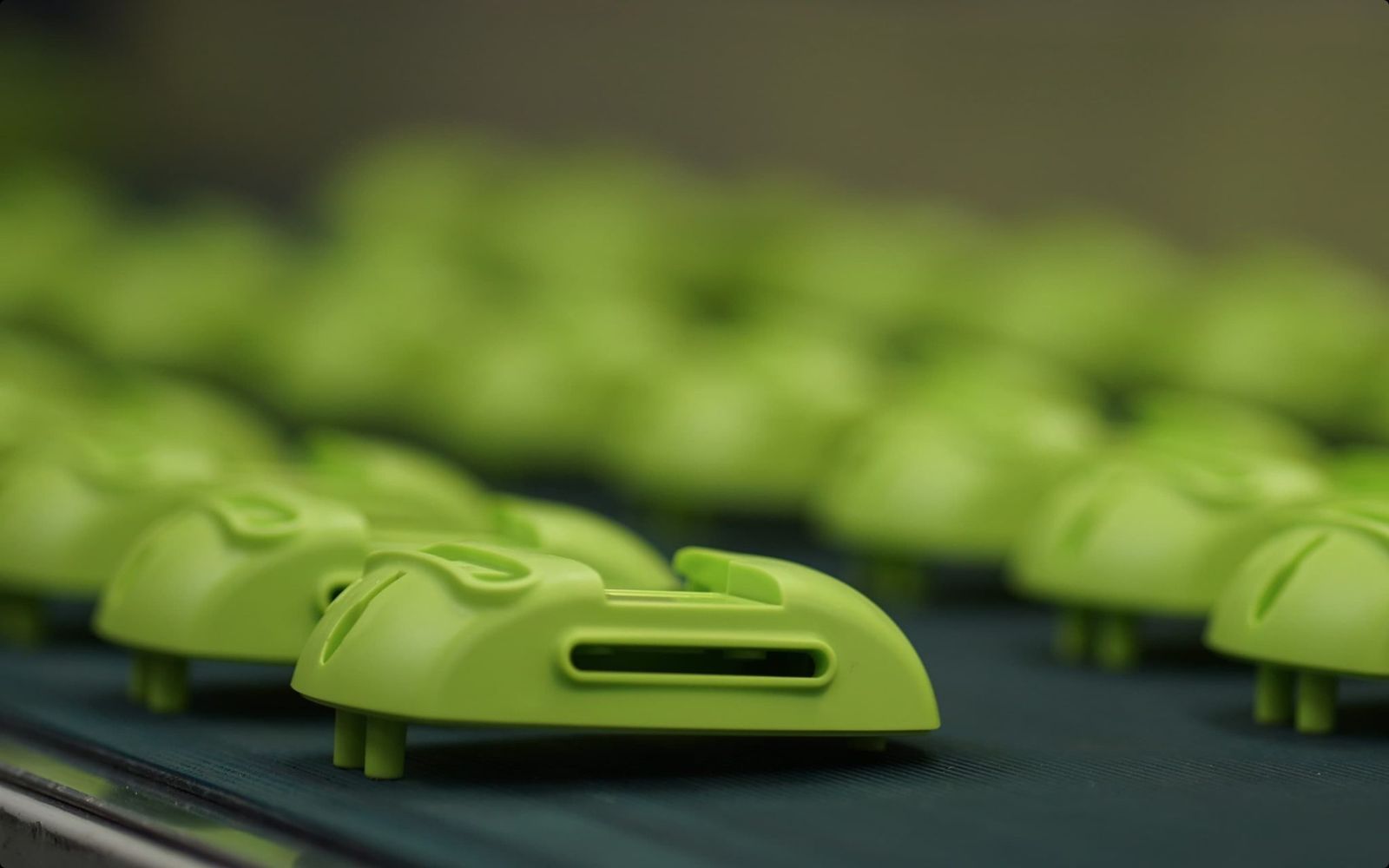
Pealock was born after its founder's skis were stolen. Developed and made in the Czech Republic, winner of a Red Dot award. When the company could not continue, we took over its services so that thousands of locks would not lose their app and connectivity.
The Codethica team
Read the full storyWhat you ask most often
All questionsWhy do I need a subscription?
For GPS location, the map and phone alerts when you are out of Bluetooth range.
How much is it and how do I pay?
19 € a year, and the first month is free. Pay in the app under Account, Payment management.
How long does the battery last?
About 40 hours while locked. The app warns you at 20 %.
How do I find my lock?
Its location shows on the map in the app. GPS needs open sky and is taken when you lock and when the alarm goes off.
Does Pealock work abroad?
Yes, in EU countries and the UK. The lock connects to the local network on its own.
Need help?
Check the guides or write to us at info@pealock.com.